Technical Deep Dive
Analogy: Sending a postcard.
no_encryption
HTTP (HyperText Transfer Protocol)
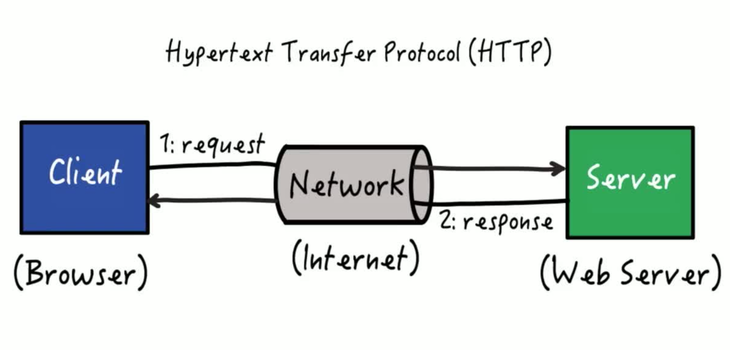
HTTP is the foundation of data communication on the web. It is a request-response protocol in the client-server computing model.
- close No Encryption: Data travels in clear text.
- close Port 80: By default, HTTP uses port 80.
- info Analogy: Like writing a message on a postcard. The mailman, the sorter, and your neighbor can all read it before it reaches the destination.
lock
HTTPS (HTTP Secure)
HTTPS is the secure version of HTTP. It adds a layer of encryption using TLS (Transport Layer Security), formerly known as SSL.
- check_circle Encryption: Scrambles data so it's unreadable to interceptors.
- check_circle Integrity: Ensures data hasn't been tampered with during transit.
- check_circle Authentication: Verifies the website is who it claims to be (via Certificates).
- info Analogy: Like sending a letter in a locked, steel briefcase inside an armored truck. Only the recipient has the key.

Analogy: An armored, locked transport.
handshake How It Works: The TLS Handshake
Before any data is sent, the browser and server must agree on a secret code (encryption key). This happens in milliseconds.