The Real World Analogy
Technical terms can be confusing. Let's break it down using something we all understand: mail and identity.
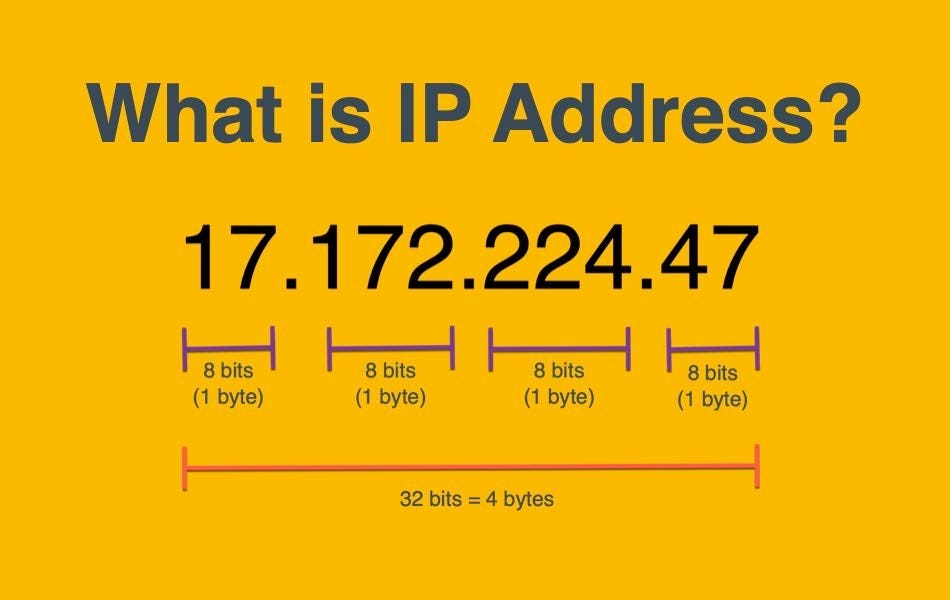
IP Address
Just like your Home Address (e.g., 123 Main St, New York). It tells the world where you are located so mail can be routed to you. If you move to a new house, your address changes.
- ✓ Used for long-distance routing.
- ✓ Changes when you change networks.
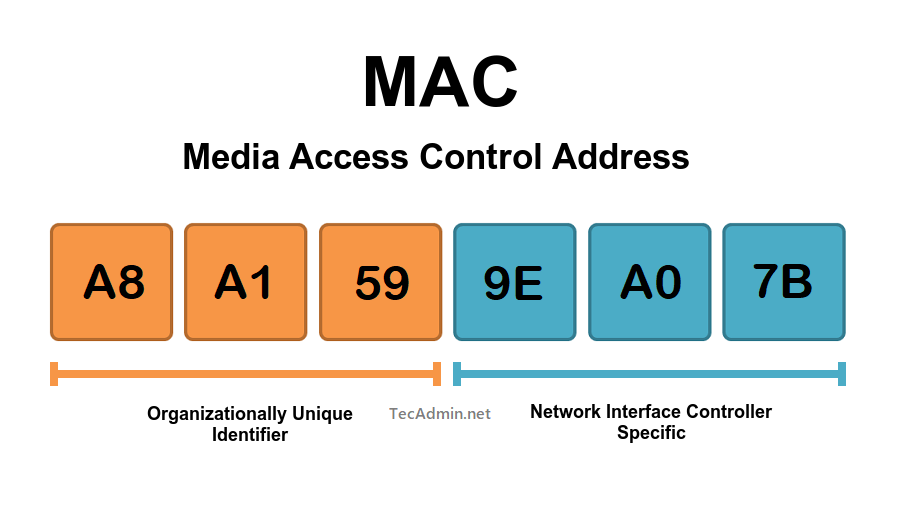
MAC Address
Like your Fingerprint or SSN. It identifies who you are physically. Even if you move to a new country (change IP), your fingerprint (MAC) stays the same*.
- ✓ Used for local identification.
- ✓ Physically burned into the device.
* Note: Modern devices can "randomize" MAC addresses for privacy, but the hardware MAC remains constant.
Technical Comparison
The engineering details.
| Feature | IP Address | MAC Address |
|---|---|---|
| Full Name | Internet Protocol Address (IPv4 or IPv6) | Media Access Control Address (Physical Address) |
| Purpose | Logical addressing, routing packets across different networks (WAN/Internet). | Physical addressing, delivering frames within the same network segment (LAN). |
| OSI Layer | Layer 3 (Network Layer) - Used by Routers. | Layer 2 (Data Link Layer) - Used by Switches/NICs. |
| Length & Format | IPv4: 32-bit (e.g., 192.168.1.1) IPv6: 128-bit (Hexadecimal) | 48-bit Hexadecimal (6 pairs separated by colons or hyphens). |
| Assigner | Assigned by ISP (Public) or Network Admin/DHCP Server (Private). Dynamic. | Burned in by Manufacturer (OUI). First 24 bits = Vendor ID. |
How Data Travels
Watch how addresses change (or don't) as data moves through a Router.
MAC: AA:AA
IP: 192.168.1.1
MAC: BB:BB
IP: 10.0.0.1
MAC: CC:CC
MAC: DD:DD
Interview Corner
Common questions asked in Networking interviews.
Think of it as layers:
- IP (Layer 3) is for Routing. It helps routers find the best path across the global internet to the destination network.
- MAC (Layer 2) is for Delivery. Once the packet arrives at the correct local network (LAN), the switch needs the MAC address to deliver it to the specific physical device cable/wifi card.
Analogy: The IP gets the letter to the correct building. The MAC gets it to the correct person in that building.
ARP (Address Resolution Protocol) is the bridge between Layer 3 (IP) and Layer 2 (MAC).
When a device knows the destination IP but not the MAC, it shouts (broadcasts): "Who has IP 192.168.1.5?".
The device with that IP replies: "I do! My MAC is AA:BB:CC...". The sender saves this in its ARP Cache.
Physically? No. It is burned into the ROM of the Network Interface Card (NIC) by the manufacturer.
Software-wise? Yes (Spoofing). You can instruct your OS to pretend to have a different MAC address in outgoing packets. This is often used for privacy (MAC Randomization on iOS/Android) or by hackers to bypass filters.